
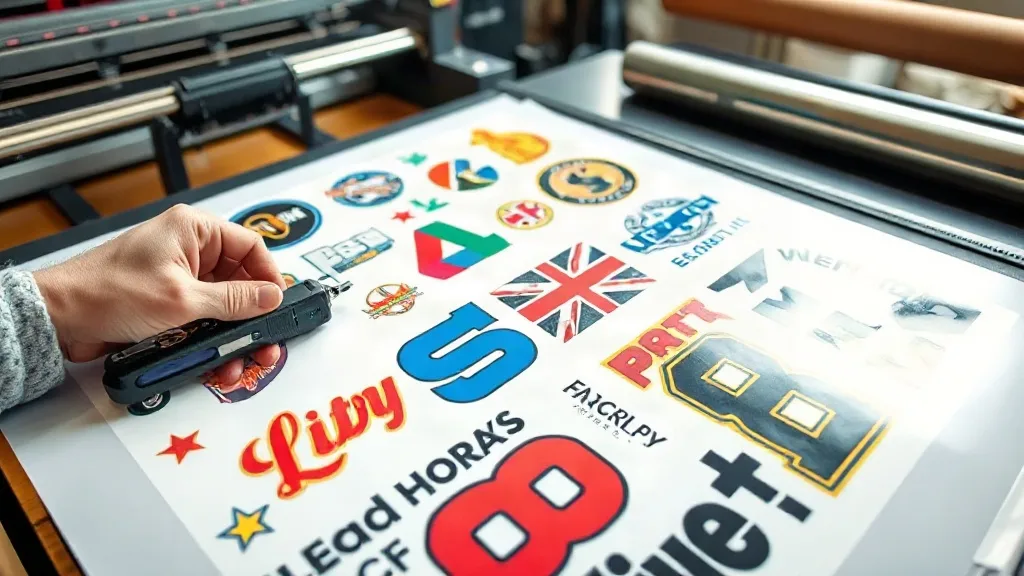
When a customer orders a mix of designs in small quantities, traditional screen printing can be a headache. Setting up multiple screens for a handful of shirts each eats time and profit. That's where DTF Gangsheet printing shines. By grouping multiple designs onto a single sheet, you streamline production, reduce waste, and handle complex orders with ease. In this guide, we'll walk through the practicalities of using gangsheets for multi-design jobs, from layout strategies to pressing workflows, so you can take on more diverse orders without sacrificing efficiency.
What Is a DTF Gangsheet?
A DTF gangsheet is a single transfer film that contains multiple designs arranged together. Instead of printing each design on a separate sheet, you nest them on one large sheet, maximizing film usage and minimizing waste. This approach is ideal for orders with several different graphics, such as team jerseys with numbers and names, event merch with various logos, or sample packs for clients. The gangsheet is printed using a DTF printer, powdered with adhesive, and cured, ready to be pressed onto garments as needed.
Why Use a Gangsheet for Multi-Design Jobs?
Multi-design jobs often involve small runs of each design, making traditional methods costly. Gangsheets offer several advantages:
- Cost efficiency: By nesting designs closely, you use less film and powder, lowering material costs per print.
- Time savings: One print job handles all designs, reducing setup and printing time.
- Consistency: All designs are printed under the same conditions, ensuring uniform color and quality.
- Flexibility: Easily accommodate last-minute additions or changes by adjusting the layout before printing.
For a deeper dive into gangsheet basics, see our DTF Gangsheet guide.
Planning Your Gangsheet Layout
The key to a successful gangsheet is smart nesting. Here's how to approach it:
1. Gather All Designs and Sizes
Collect every design file and note the required dimensions. Consider the garment sizes: a design for a youth shirt will be smaller than one for an adult. Group similar sizes together to nest efficiently.
2. Use Nesting Software
Invest in nesting software or use features in your RIP software to automatically arrange designs with minimal gaps. Manual nesting can work for simple jobs, but software saves time and reduces errors.
3. Leave Room for Cutting
Ensure at least 3-5mm between designs for clean cutting. Without adequate spacing, you risk damaging edges when separating the transfers.
4. Orient Designs for Grain and Stretch
If garments have a direction (like stretchy fabrics), orient designs accordingly to avoid distortion during pressing.
5. Test Print and Adjust
Before committing to a full run, print a small test sheet to check color and layout. Adjust as needed.
Pressing Workflow for Multi-Design Gangsheets
Once your gangsheet is printed and cured, pressing multiple designs requires organization. Follow these steps:
- Cut and Sort: Cut out each design, leaving a small border. Sort them by garment or order to streamline pressing.
- Set Up Your Press: Preheat your heat press to the recommended temperature (usually 300-320°F). Use a Teflon sheet or parchment paper to protect the design.
- Press Each Design: Place the garment on the press, position the transfer, and press for the recommended time (10-15 seconds). Peel the film while hot or cold, depending on the film type.
- Quality Check: Inspect each pressed item for adhesion and appearance. Repress if necessary.
For a smooth workflow, consider batching similar garments together and using a checklist to track progress.
Common Pitfalls and How to Avoid Them
Even experienced shops run into issues with gangsheets. Watch out for these:
- Overcrowding: Packing designs too tightly can cause cutting errors. Maintain adequate spacing.
- Inconsistent Powdering: Uneven adhesive powder leads to poor adhesion. Use a powder shaker or automated powdering unit.
- Ignoring Fabric Types: Different fabrics require different pressing parameters. Always test on scraps first.
- Poor File Resolution: Low-res images look worse when grouped. Ensure all designs are high resolution.
Cost Savings and Profitability
Gangsheets can significantly reduce material costs. By nesting efficiently, you might fit 20% more designs on a sheet compared to individual printing. Over time, these savings add up. Additionally, faster production means you can take on more orders, increasing revenue. To maximize profit, calculate your cost per design accurately, including film, powder, ink, and labor. Then price your multi-design jobs competitively while maintaining healthy margins.
Case Study: A Small Shop's Success
Take the example of a small print shop that specialized in custom apparel for local teams. They often received orders for 10 different designs, each in quantities of 5-10. Initially, they used separate screens, which was time-consuming and costly. After switching to DTF gangsheets, they reduced production time by 40% and cut material waste by 25%. They now handle larger volumes with ease and have expanded their client base.
Frequently Asked Questions
How many designs can I fit on one gangsheet?
It depends on the sheet size and design dimensions. A standard 24-inch wide sheet can hold dozens of small designs. Use nesting software to maximize capacity.
Can I mix different fabric types on one gangsheet?
Yes, but you'll need to adjust pressing parameters for each fabric. It's often easier to group designs by fabric type to maintain consistency.
What's the best way to store unused transfers from a gangsheet?
Keep them in a cool, dry place, away from direct sunlight. Store them flat or rolled, not folded, to prevent creases.
Do gangsheets work for small orders of just a few designs?
Absolutely. Even with two or three designs, a gangsheet can save film and time compared to printing separately.
How do I ensure accurate color matching across a gangsheet?
Use a consistent color profile and print a test sheet. All designs on the sheet will share the same ink and curing conditions, so colors should match closely.